 RideScreen AA
Android Auto on your bike's dash, wireless
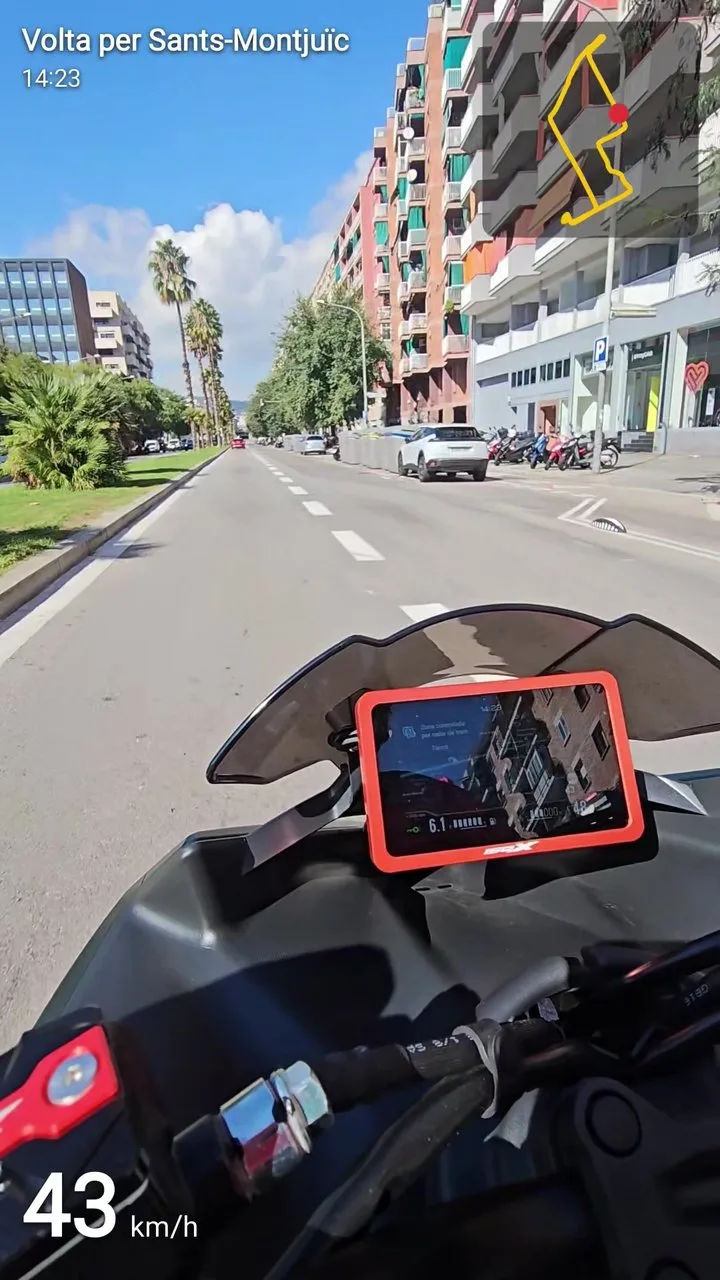
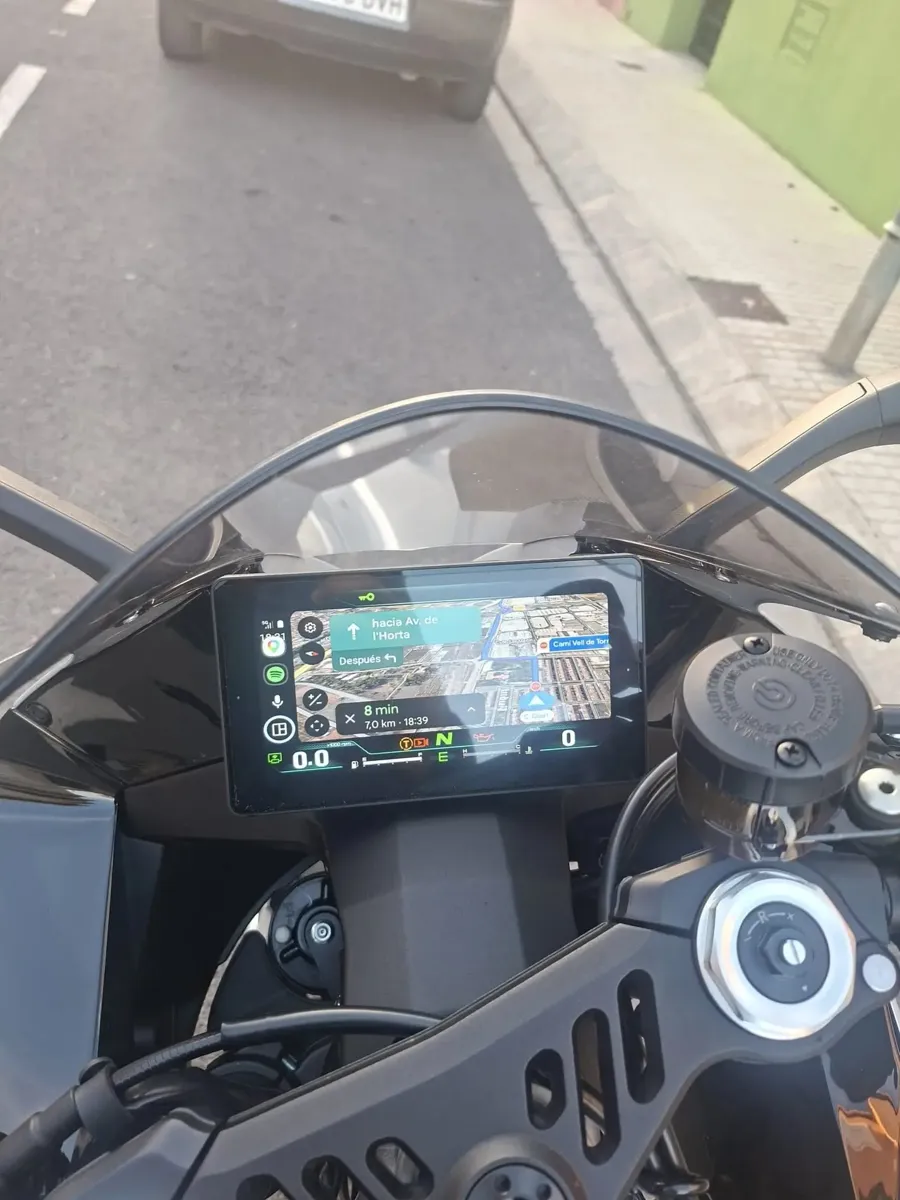
Google Maps, Waze, Spotify and the Assistant on the bike's screen, connecting by itself when you start the bike. Plus: cheapest fuel nearby, your rides with records, videos with your speed overlaid and a watch app.
Free · no ads · open source · Android 10 or newer
Direct download of the latest version · also on GitHub · what’s new in v2.3
Will it work on my bike?
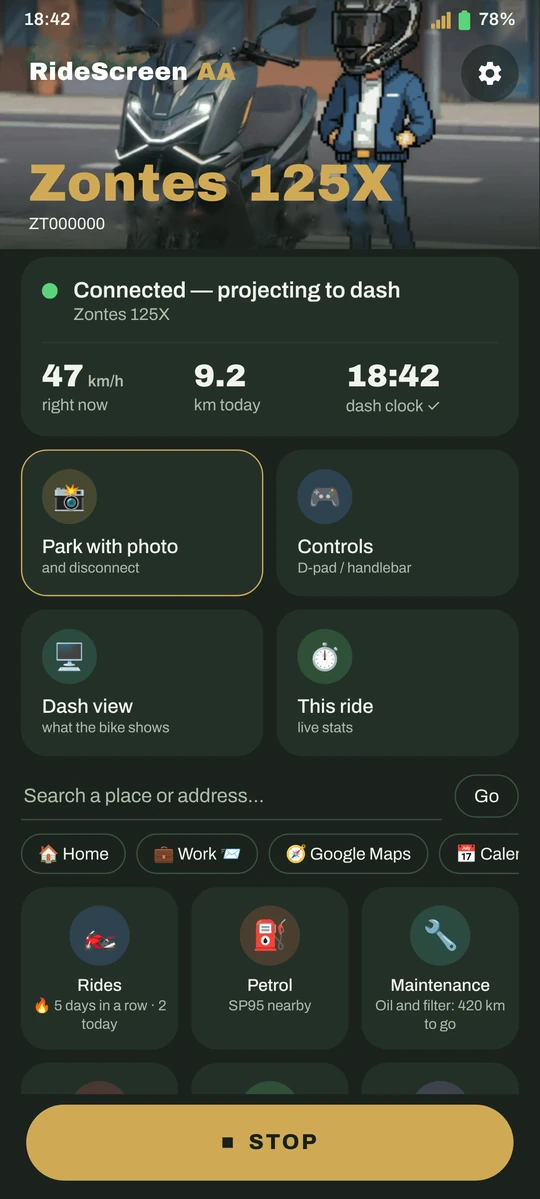
If your dash shows a QR code to connect your phone (MotoPlay / EasyConnect), almost certainly yes. The app is tested daily on a Zontes 125X, and it builds on OpenCfMoto, which works with many brands that use the same dash.
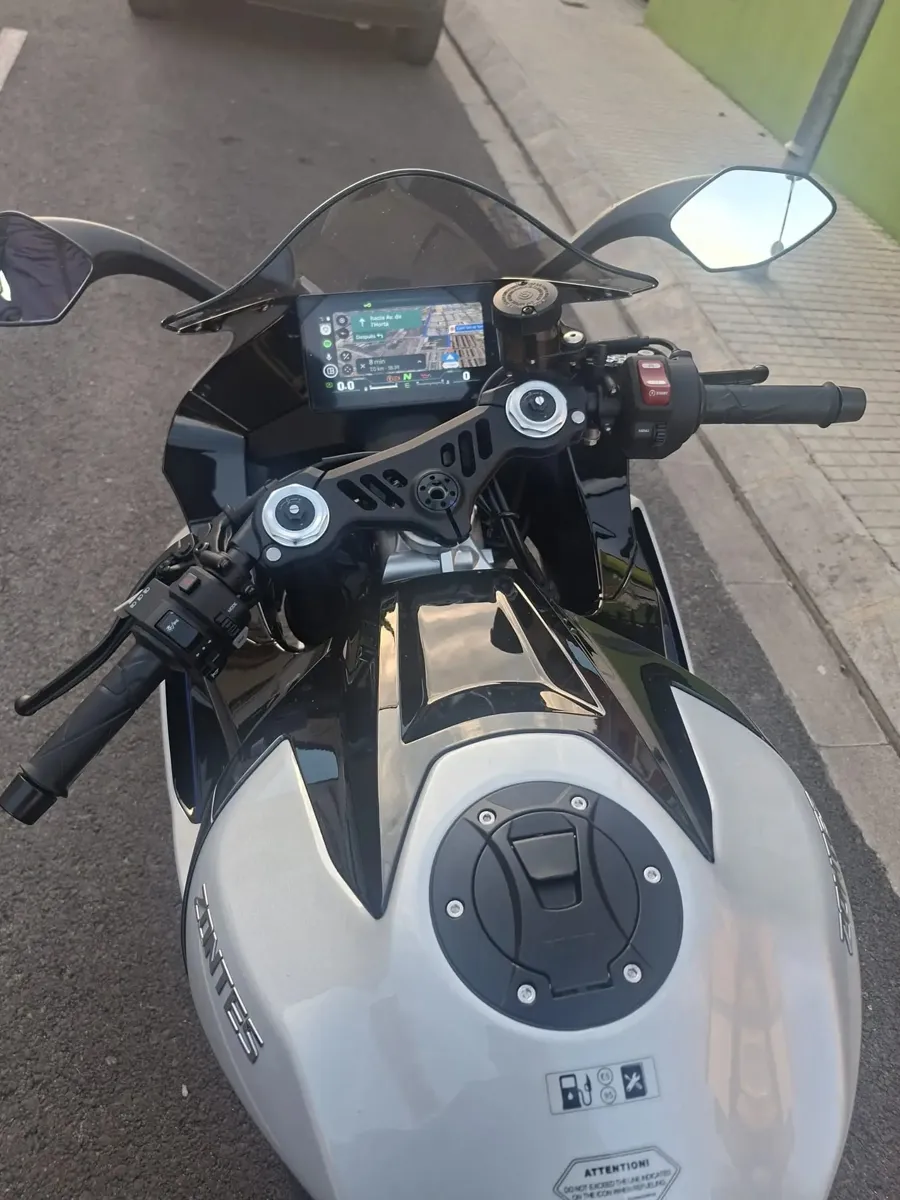
Much more than Android Auto
Connects by itself
Start the bike and Android Auto appears on the dash, with your phone in your pocket.
Picture that fits
Fit the image to your dash with arrows, watching the result live on the bike.
"Ok Google"
Talk to the Assistant from your intercom, watch or glasses.
Cheapest fuel
Official 95 petrol prices near you, and Maps takes you there. Spain only.
Your rides
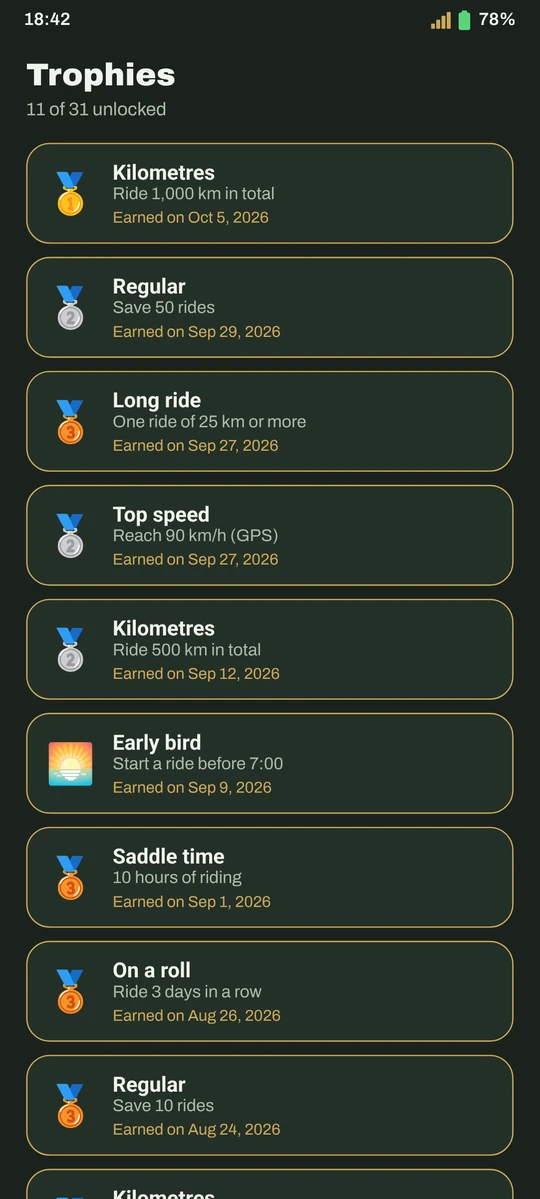
Every ride is saved automatically: route by speed, heatmap, records and trophies.
Ride video
Joins your clips (Ray-Ban Meta, action cam, phone) with map, speed and time overlaid.
Your traffic lights
Where you stop most, how long you wait, and which way is really faster.
Where I parked
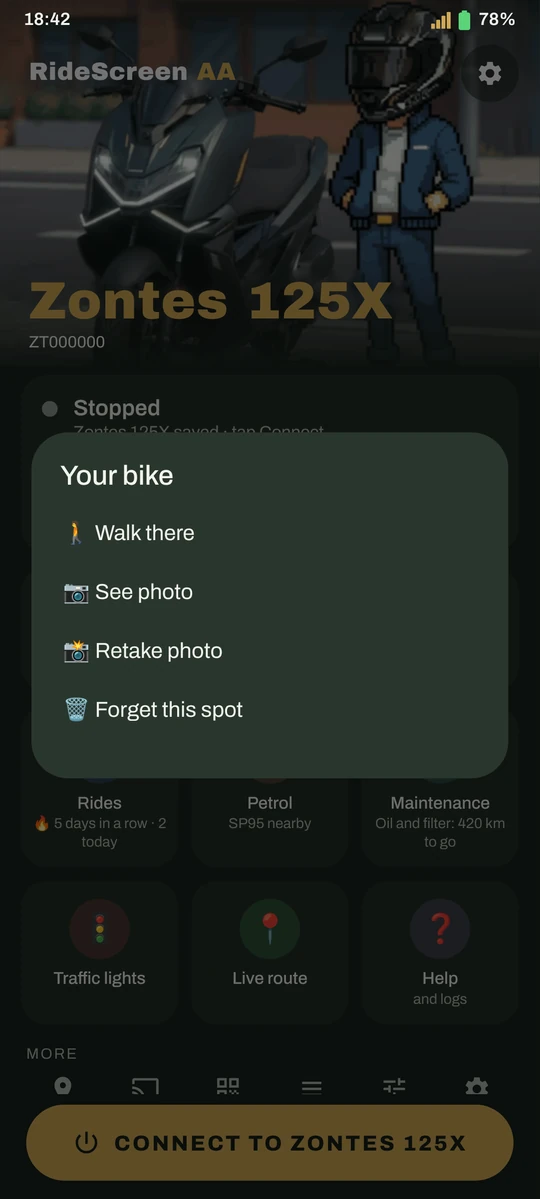
Saves the spot and a photo; the watch compass leads you back to the bike.
Maintenance
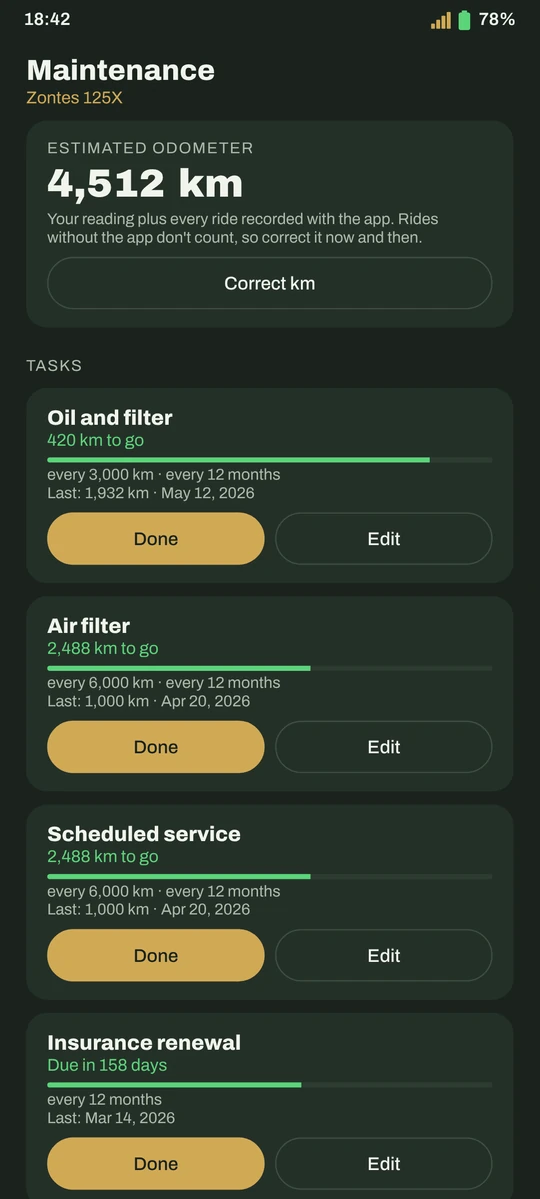
Oil, belt, inspection… with a reminder when it's due, and your real fuel consumption.
Crash detection
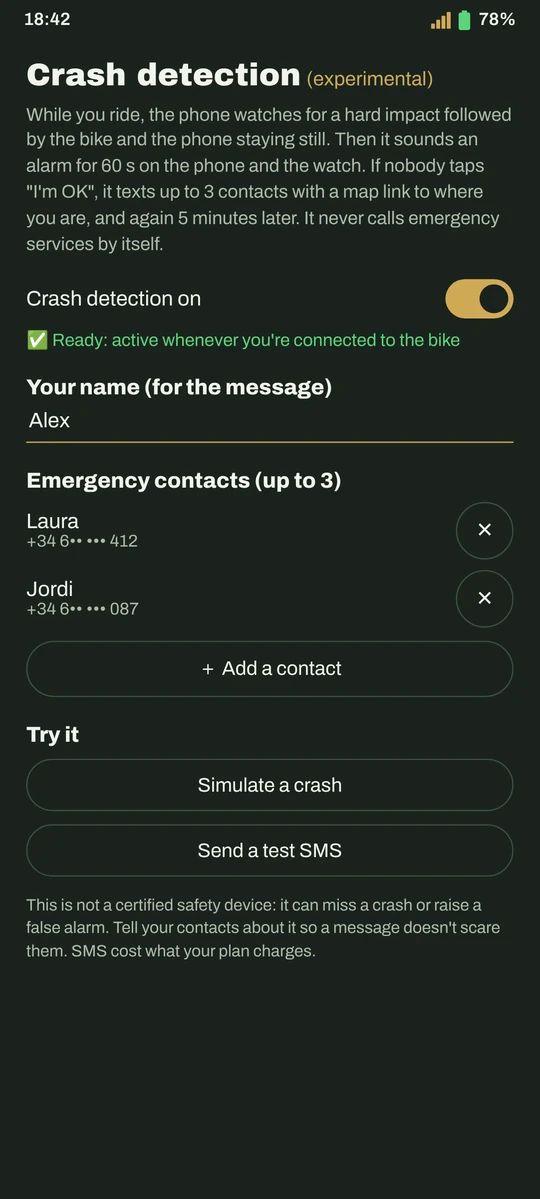
Alarm on phone and watch and, if you don't respond, an SMS with your location.
ExperimentalYour bike’s battery
Voltage and lock state, read from the keyless box. Read-only: it never sends commands.
New in 2.3“Connect” widget
One tap on your home screen connects to your bike, with your Garage photo.
New in 2.3Passenger mode
Your passenger picks the destination and music and moves Android Auto from their phone.
New in 2.3Rides kept safe
Your ride is saved every 30 s even if the app closes. And you can import GPX routes.
New in 2.3How it looks
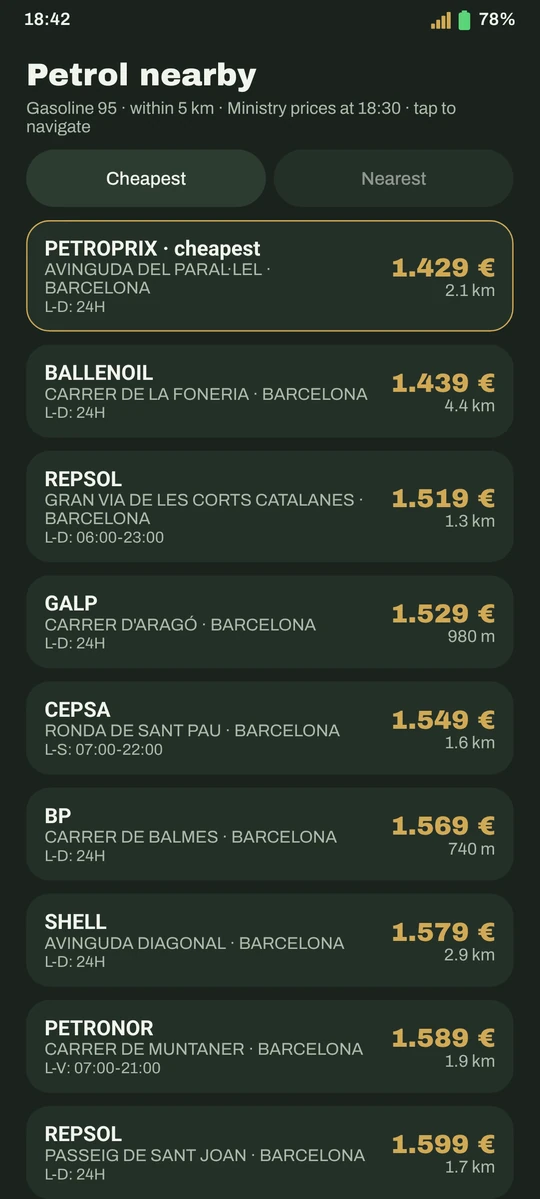
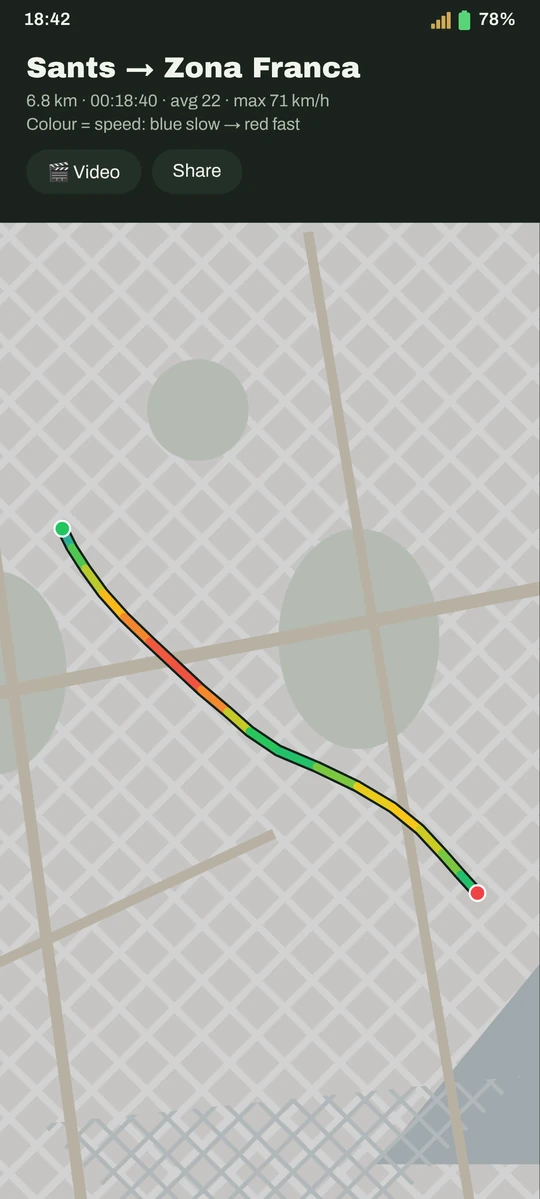
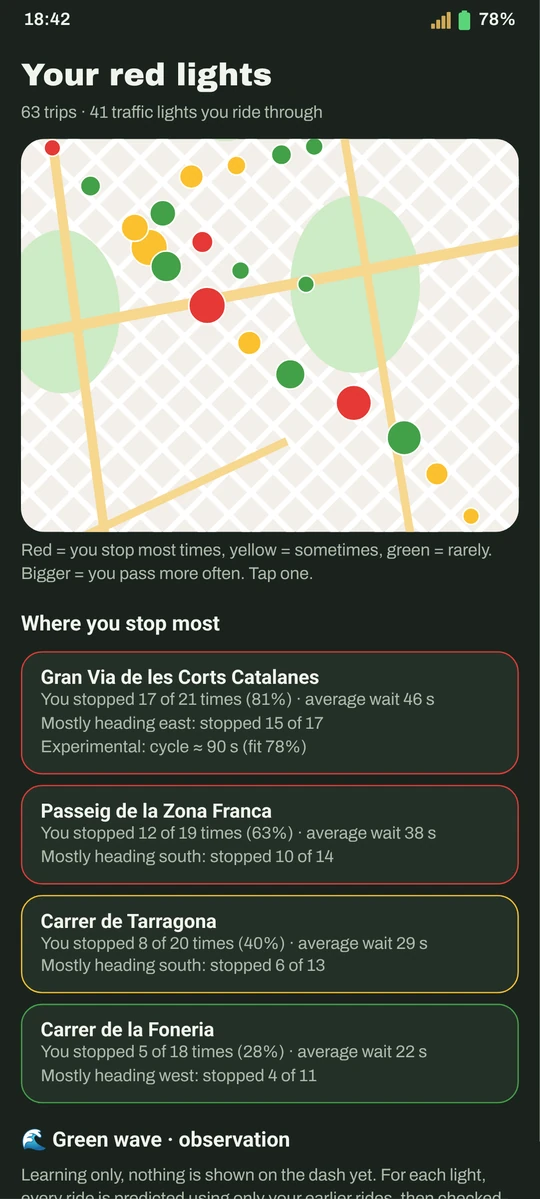
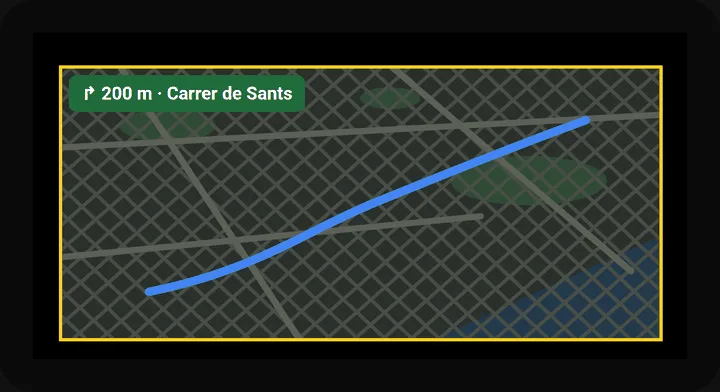
Fitting the picture, live on the dash
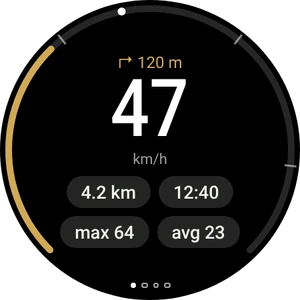
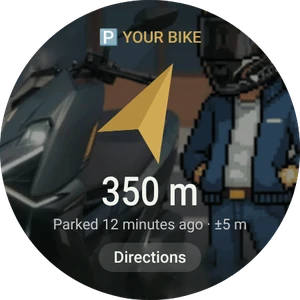
App for Wear OS watches · watch guide
Ready in 10 minutes
Download the APK
With the button above, directly (or from GitHub). The app itself offers you later versions.
Set up Android Auto
A one-time setting in Android Auto. The guide shows you how, with screenshots.
Scan the dash QR
And tap Connect. From then on it connects by itself when you start the bike.
Frequently asked questions
Is it an official Zontes app?
No. It's an independent project, made by a rider for his own Zontes and shared with the community. It is not affiliated with Zontes, CFMoto, Carbit or Google.
How much does it cost?
Nothing. It's free, with no ads or subscriptions, and the code is open (AGPL-3.0 licence). If you find it useful, you can buy me a coffee.
Why isn't it on Google Play?
It's on its way. Meanwhile you download it from this site; if Play Protect warns you, it's because it doesn't know the app yet: More details → Install anyway.
What about my data?
Your rides, photos and settings stay on your phone: no accounts, no cloud. The app only sends anonymous error reports (nothing that identifies you) so we can fix them, and you can turn them off.
Do I need mobile data?
For maps, streaming music and fuel prices, yes, just like Android Auto in a car. The link to the bike uses the bike's own Wi‑Fi.
Something isn't working, what do I do?
Check the guide, which covers the most common errors. If it persists, in the app: ❓ Help → Share logs, and send it telling us what happened.